Shopify App Blocks vs App Embeds
App blocks place app content in supported theme locations. You can add or move a block only where that theme section supports it. App embeds add floating, overlay, or non-visible functionality. Check your app and theme, then preview and test before you publish.
By Charles · Published · Updated
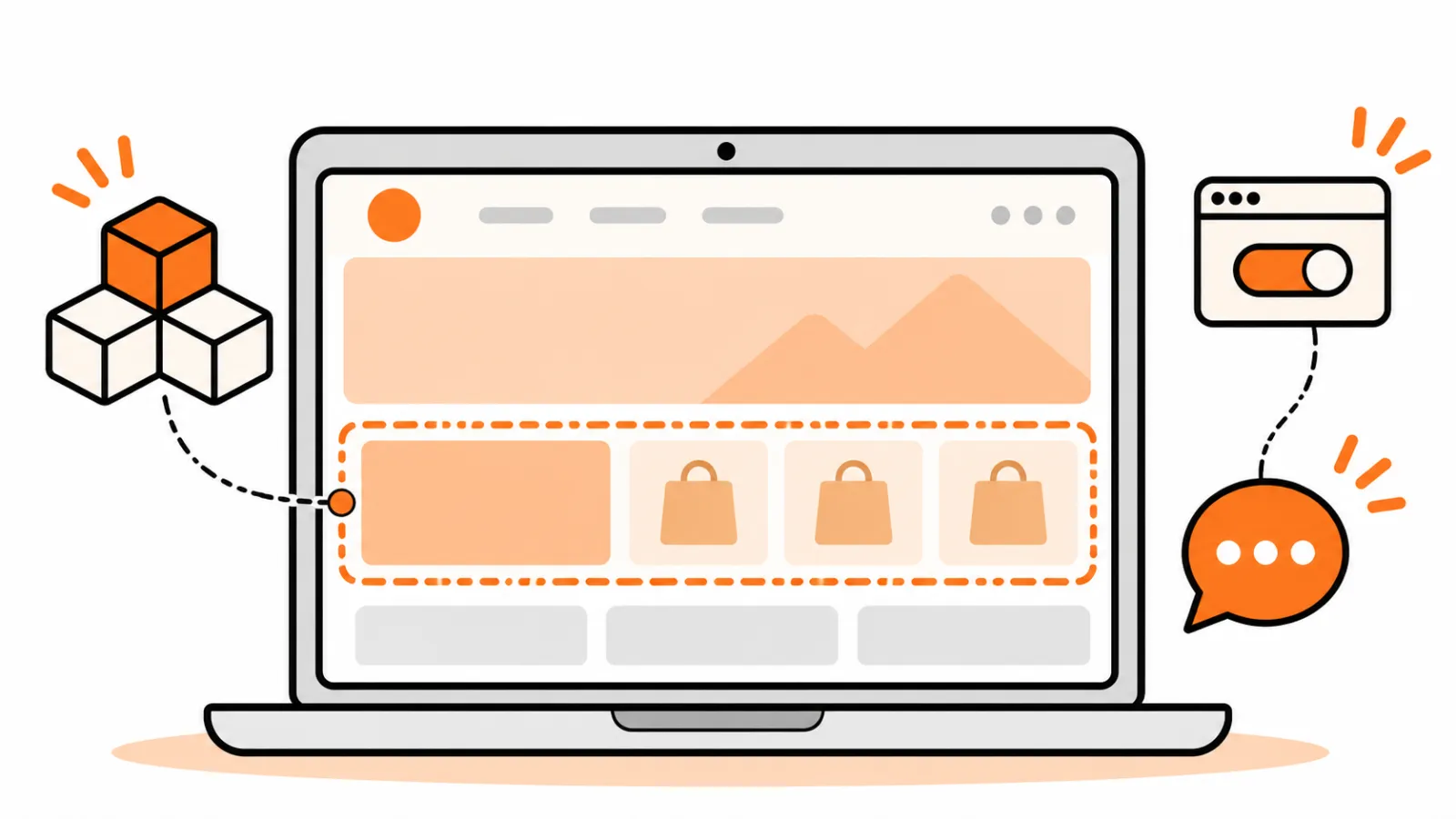
A Shopify app block adds app content to a supported location in a page layout. An app embed adds app-provided functionality that may float over the theme or run without a visible element. Which one you can use depends on what the app offers and what your theme supports.
For the wider layout context, see our guide to custom Shopify theme sections. Need help with your store? Send a project brief to discuss the work.
Key facts
- Shopify says merchants can add, reposition and customize app blocks in the theme editor, subject to compatibility. Shopify Help Center, checked 10 November 2026.
- App embeds can appear as overlays or add code without a visible element. Shopify says they can be used with any theme version, though the app's own requirements still matter. Shopify Help Center, checked 10 November 2026.
- Shopify recommends duplicating a theme before customization to keep a backup copy. Duplicating themes, checked 10 November 2026.
How do app blocks and app embeds differ?
An app block belongs in a supported page layout; an app embed is activated through the theme editor's app embeds controls. Shopify describes both in its theme app guidance, checked 10 November 2026.
| App block | App embed | |
|---|---|---|
| Typical use | App content positioned within a page, such as a product-related widget. | A floating element such as a chat bubble, or code that has no visible storefront element. |
| Editor control | Add to a supported section or as an app section in a template; move it among available positions. | Activate or deactivate it under App embeds and adjust settings the app exposes. |
| Compatibility | Requires a compatible theme and may be limited by section and page type. | Shopify supports app embeds across theme versions; check the specific app's requirements and settings. |
| Placement | The available section and template positions control placement. | Its behavior and placement depend on the app; it is not a movable content block in a section. |
An app developer decides what integration the app provides. A merchant cannot assume an app offers both options or that a block can be converted into an embed. Some apps use another integration method, including theme code, so follow that app's instructions.
Where can you add an app block?
You can add a compatible app block to a supporting section or add an app section to a template. Shopify notes that some blocks work only on certain page types and that some theme sections do not support app blocks. Check the app and theme documentation, or ask the provider before changing code.
In the theme editor, open the intended page and section and look under Add block for the installed app. Alternatively, use Add section where the app supports an app section. Adjust the available settings and position, then preview the relevant template. A change to a shared template can affect more than the one product or page shown in the editor, so check the pages that use it.
When should you use an app embed?
Use an embed when the app directs you to activate one for its floating or background functionality. In the theme editor, open App embeds, select the installed app, activate it and review its settings. If your store uses markets, check the selected market before saving. Shopify describes market-specific embed settings in its app embed instructions, checked 10 November 2026.
An invisible embed cannot be verified by looking for a widget alone. Follow the app provider's instructions for confirming its intended behavior, and avoid sending real customer information through an unapproved test.
How do you test changes safely?
Keep a theme backup, make the change on a duplicate and preview the affected customer journeys before publishing. Shopify's duplication guide explains how to create the copy. A theme copy is not a complete store backup: Shopify says theme downloads do not include products, collections, menus, pages or other store content.
Record the current theme and app settings. On the duplicate, make one change at a time and check representative product, collection or other affected pages on mobile and desktop. Test the relevant interactions, including cart actions where appropriate, without placing an unintended order. Preview conditions may not reproduce every live integration, so follow the app's testing guidance and plan how to reverse a change if a problem appears after publication.
Shopify's developer documentation, checked 10 November 2026, says apps built with its theme app extension framework do not edit theme code. That does not mean every app uses that framework or that an integration needs no testing. For performance checks, see Shopify speed optimization.
What if the app does not appear or work?
Start by checking the installed app, the theme being edited and the page or market selected. For a missing block, check that the app supplies one, the page type is supported and the chosen section accepts app blocks. For an embed, check its toggle and settings, then follow the app's verification instructions. Save the change on the test theme and preview again.
If it still fails, note the app and theme names and versions, the affected page, the steps tried and what you expected to happen. Contact the app provider for app-specific behavior and the theme provider for section compatibility. Avoid adding unverified snippets or removing code from a live theme as a first troubleshooting step. Shopify also says apps installed for one theme must be reactivated when you change the published theme, so check each integration after a theme change.
For a broader assessment of a custom theme or conflicting integrations, explore our Shopify development services and agree on the scope before work starts.
Frequently asked questions
Can I put an app block anywhere on a Shopify page?
No. Placement depends on the app, page type, theme and whether the relevant section supports app blocks. Check the app and theme documentation.
Does an app embed have to be visible?
No. Shopify says app embeds can display as floating or overlay elements, or add code that customers cannot see.
Why is my app block missing from the editor?
Check that the app is installed, provides an app block and supports the page, theme and section you selected. If it still does not appear, contact the app or theme provider.
Will my app work automatically after I change themes?
Do not assume so. Shopify says apps installed for a theme need to be reactivated in a new published theme. Check each integration and test its behavior.
Have a theme or app integration to review? Send a project brief to discuss your store and the scope of the work.