Shopify Sections and Blocks Guide
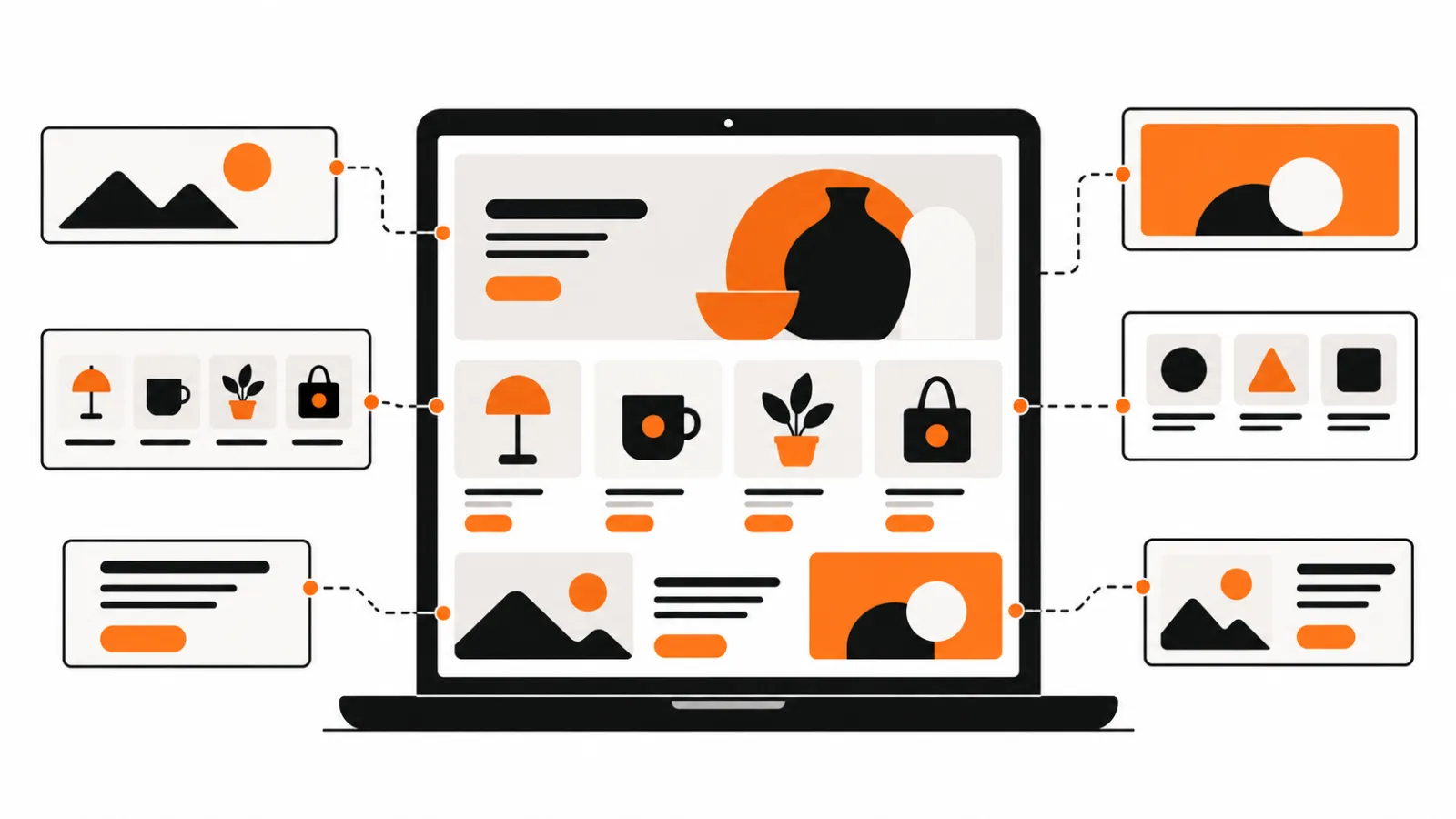
Shopify sections are reusable areas of a page, while blocks are smaller pieces within sections. A custom section may help when your theme's existing options cannot present the content or layout you need. Check the theme editor first: an existing section may do the job without custom code.
By Charles · Published · Updated
Send us your theme brief if you need help deciding what to build.
Key facts
- Shopify's sections guide, checked 1 November 2026, describes sections as reusable theme modules.
- Shopify's editor guide, checked 1 November 2026, explains how sections and blocks can be added and arranged when supported by the theme.
- Shopify's section schema documentation, checked 1 November 2026, describes settings that expose options in the theme editor.
How do sections and blocks differ?
A section holds a distinct area of page content; blocks provide smaller pieces within it. What you can add and edit depends on the theme.
| Part | What it does | When to ask about it |
|---|---|---|
| Section | Holds a reusable area of content and settings. | You need a distinct area on a product, collection or landing page. |
| Block | Adds a smaller item within a section. | You need repeatable items such as slides or feature rows. |
| App block | Adds app content in a compatible location. | An app needs to add content to the theme. |
See Shopify's documentation on sections and blocks for the technical details.
For app-provided features, compare Shopify app blocks and app embeds.
When might a custom section help?
A custom section may be useful when the available theme options cannot support your content or layout. You might need a reusable layout for a product, collection or landing page, or specific text and images editable in the theme editor. Check your theme documentation and existing settings first.
Ecommerce Nerds' Custom Section package covers one new section editable in the Shopify theme editor. See the custom theme sections service. For product images in your section, read our guide to writing image alt text.
What should you include in a brief?
Tell the developer which page needs the section, what it should display, and which parts you want to change later. Include your store URL and a screenshot or example. Read how the project process works or browse our FAQ.
Before changing a theme, Shopify recommends duplicating it as a backup. For what to check when an updated theme contains custom code, see our guide to Shopify theme updates and customizations.
Which guides cover a specific section job?
Extra product fields, such as care instructions or dimensions, are covered in showing Shopify metafields on a product page. Every guide is listed on the Shopify guides page.
Filtering a collection by size, colour or price is covered in how to add Shopify collection filters.
Frequently asked questions
What is the difference between a Shopify section and a block?
A section is a larger reusable part of a page. Blocks are smaller pieces within a section. Available blocks and controls depend on the theme.
Will a custom Shopify section be editable in the theme editor?
It can be. Settings in the section schema determine which options are exposed in the theme editor. List the fields you need in your brief.
What should I include in a custom section brief?
Share your store URL, the page where the section should appear, an example of the content or layout, and the parts you need to edit later.