Shopify product image size: what to use
By Charles · Published and updated
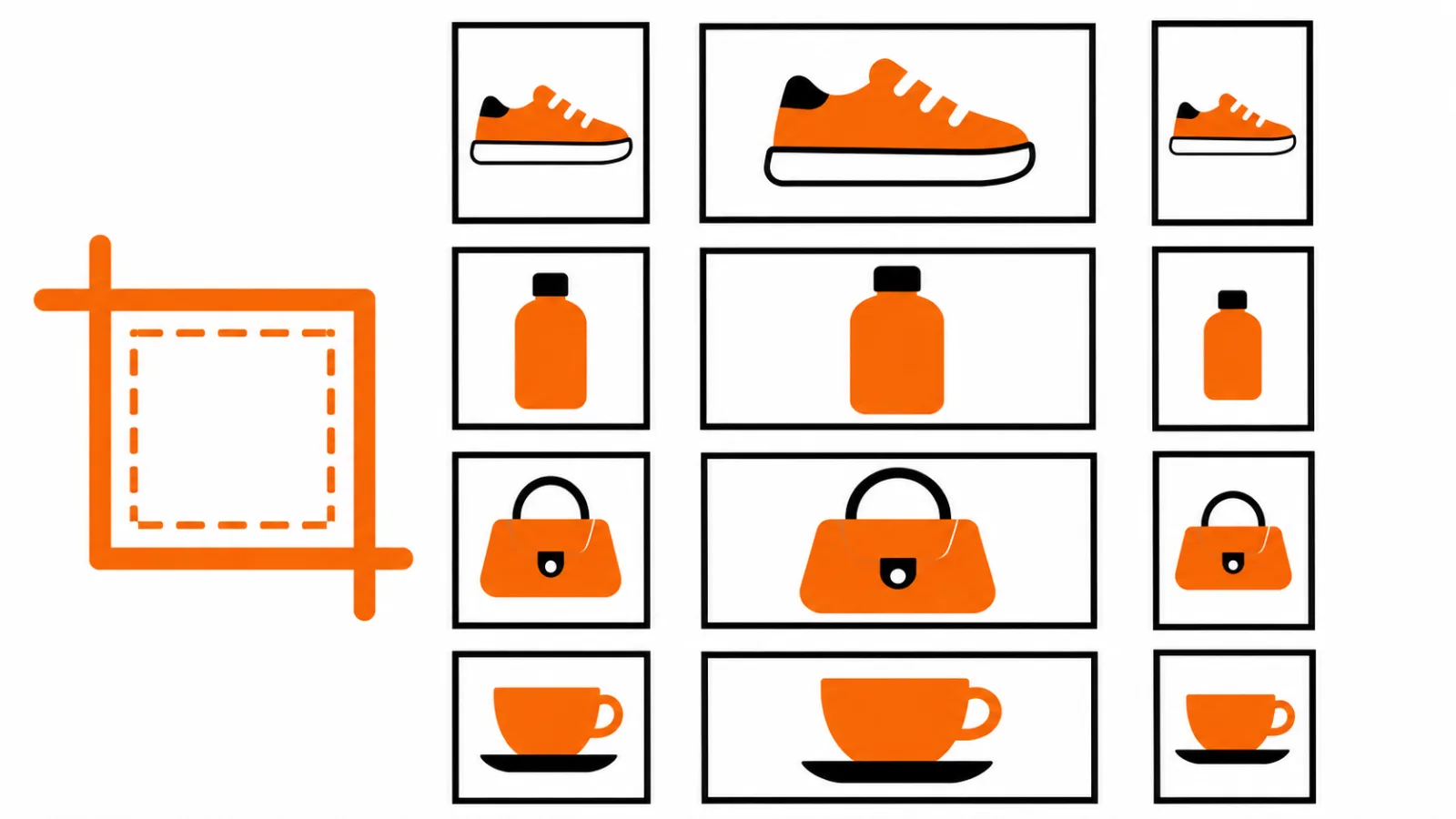
For square product photos, Shopify says 2048 × 2048 pixels usually displays best; use it as a starting point and test your theme. Product images can be up to 5000 × 5000 pixels or 25 megapixels and must be smaller than 20 MB, according to Shopify's product media guidance, checked 12 November 2026.
See the broader Shopify speed optimization guide, or tell Ecommerce Nerds about your store if you need help investigating its storefront.
Key facts
- Shopify recommends 2048 × 2048 pixels as a usual best display size for square product images, not a requirement for every image. Product media types, checked 12 November 2026.
- Product and collection images have a stated limit of 5000 × 5000 pixels or 25 megapixels, and must be smaller than 20 MB. Shopify, checked 12 November 2026.
- Shopify creates different image sizes for different theme uses; the theme affects display. Shopify, checked 12 November 2026.
- Shopify says theme-served images may be compressed and that it selects a format supported by the browser. Image upload guidance, checked 12 November 2026.
What size should you upload?
Start with enough detail for the product page, then check how your theme displays the image.
| Decision | Practical starting point |
|---|---|
| Square photos | Try Shopify's 2048 × 2048 recommendation and review the result. |
| Portrait or landscape | Choose a ratio that suits the product and your theme's image area; avoid cropping away important details. |
| Featured images | Keep aspect ratios consistent across the collection to make the grid more consistent. Shopify. |
| Upload limits | Check both pixel dimensions and file size; a file under the byte limit can still have too many megapixels. |
Pixels describe dimensions; megabytes describe file size. A large image is not automatically a clear image if its source is blurry. Keep a high-quality original and export a copy for the store.
Which format should you use?
Choose a format that preserves the details your customers need, then compare the delivered storefront image.
Shopify's product media guidance lists PNG followed by JPEG for most product images and accepts other formats including WebP. Its image guidance describes JPEG as suitable for photographs and PNG as useful for graphics and transparency. These are starting points: inspect edges, texture, colour and transparency in your actual theme.
Does Shopify resize and compress images automatically?
Shopify creates sizes for different theme uses, but the result still deserves a storefront check.
Shopify says images are not compressed when uploaded, while those served through a theme may undergo compression; it also chooses a supported delivery format. Shopify image guidance. This does not guarantee a particular file size, visual quality or speed score.
For custom theme work, Shopify's responsive image guidance explains how srcset and sizes help the browser select an image for the layout and device. A developer should inspect the actual markup and delivered files before changing the theme.
How do you check quality and speed?
Test representative product and collection pages on the devices your customers use.
- Export a copy and check its dimensions and file size before upload.
- Preview the product page and collection grid at mobile and desktop widths. Look for unwanted crops, blur and inconsistent framing.
- If your theme offers zoom, test it with the actual image and device. No single dimension guarantees a particular zoom experience.
- Compare the delivered image and page performance before and after a change. Keep the version that balances visible detail with the store's needs.
- Add useful descriptions using the product image alt text guide. Review collection context in the collection SEO guide.
If several images are affected, test a small representative set before replacing the whole catalogue. Explore Ecommerce Nerds services if the issue requires a broader theme investigation.
Frequently asked questions
What size are Shopify product images?
Shopify says 2048 × 2048 pixels usually displays best for square product images. The right dimensions for your store also depend on your images and theme, so test the result.
Which image format is best for Shopify?
Shopify lists PNG followed by JPEG for most product images. Choose based on the image and inspect the storefront result; Shopify can serve a format supported by the visitor's browser.
Does Shopify automatically compress images?
Shopify says images are not compressed on upload, but images served through a theme may undergo compression. Check the delivered result rather than assuming a fixed reduction.
How can I decrease the size of an image?
Resize a copy to the dimensions you need or adjust its export settings, then compare the result with the original. Preserve your source file and check the storefront after upload.
Tell Ecommerce Nerds about your store if you want to discuss an image or theme issue.